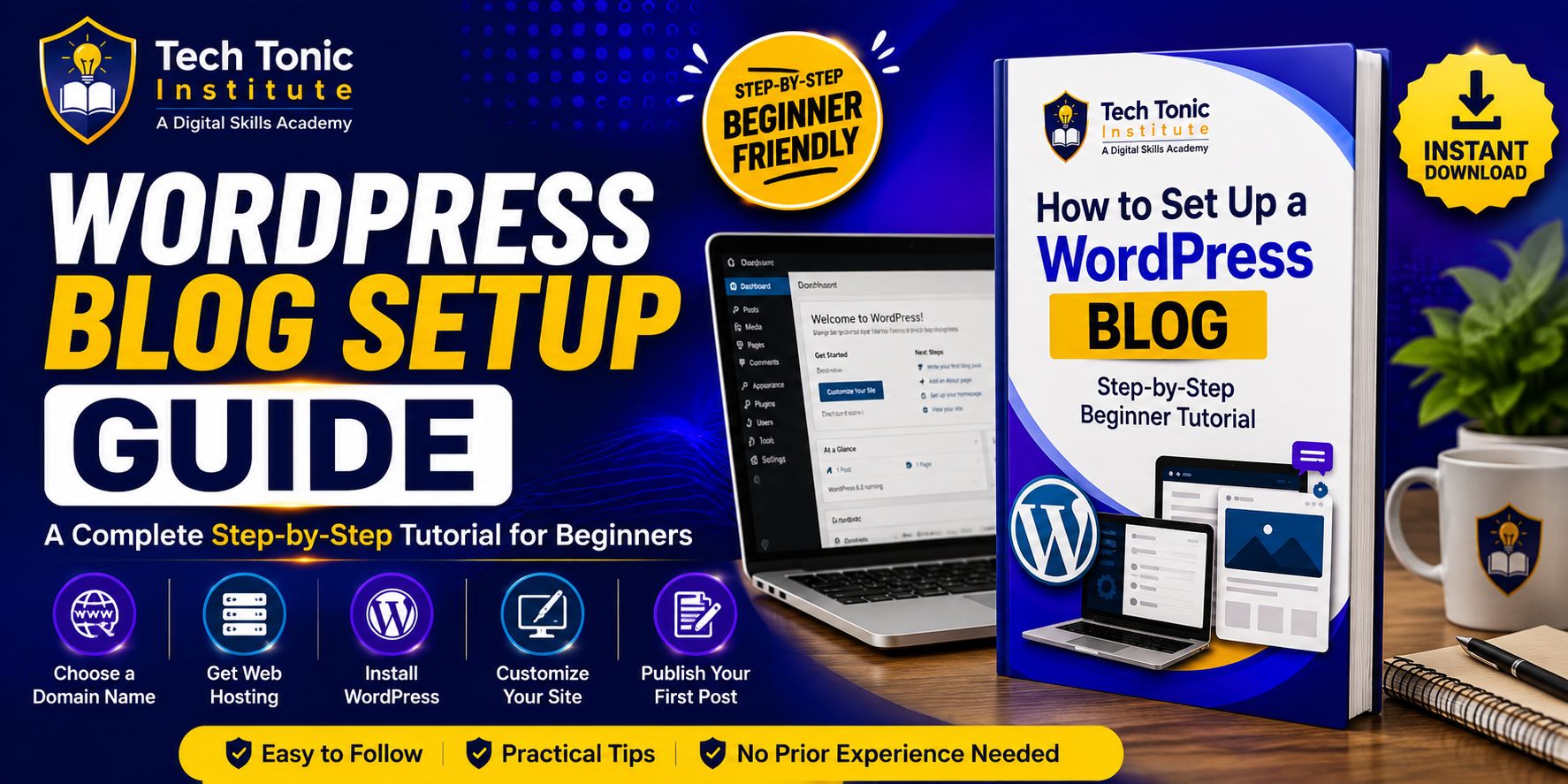


How to Set Up a WordPress Blog: A Complete Step-by-Step Tutorial.
Set up a functional WordPress blog with a clear, practical guide designed for beginners.
This guide explains the complete process, from choosing a domain and hosting provider to configuring WordPress, publishing your first post, improving performance, and resolving common setup issues.
What you’ll learn
- How to choose a short, memorable domain name and enable WHOIS privacy.
- How web hosting works, including shared and managed WordPress hosting.
- How to install WordPress with a one-click installer or manually through FTP and a MySQL database.
- How to configure site information, permalinks, reading settings, timezone, email, and HTTPS.
- How to select and activate a lightweight theme such as Twenty Twenty-Five, Astra, GeneratePress, or Neve.
- How to install essential plugins for spam protection, backups, security, SEO, contact forms, image optimization, and privacy.
- How to create Home, Blog, About, Contact, and Privacy Policy pages.
- How to organize your header, footer, logo, site title, and navigation menu.
- How to write and publish a post using the WordPress block editor, categories, tags, featured images, and excerpts.
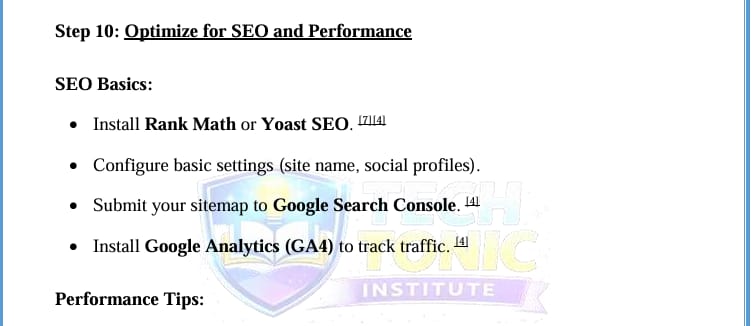
- How to apply SEO and performance basics, including sitemaps, Google Search Console, analytics, caching, CDN use, and image optimization.
Practical setup guidance
The tutorial presents each stage in a logical sequence with dashboard paths such as Settings → General, Appearance → Themes, Plugins → Add New, and Posts → Add New. Technical terms are introduced in context: web hosting stores your website files, permalinks define your URL structure, plugins add functionality, and a CDN helps deliver site resources efficiently.
Troubleshooting support
Work through common WordPress problems, including the White Screen of Death, database connection errors, login loops, mixed-content warnings, slow loading, and domains that do not point to hosting. The guide includes practical checks involving plugins, cookies, wp-config.php, HTTPS URLs, caching, images, DNS, and nameservers.
Launch checklist
- Core pages and navigation are in place.
- SSL is active without “Not Secure” warnings.
- Backups are scheduled and the contact form has been tested.
- An SEO plugin is configured and the sitemap is submitted.
- Performance is reviewed and the first blog post is formatted correctly.
This downloadable WordPress blog tutorial is suitable for new bloggers and anyone who wants a structured reference for building, configuring, and maintaining a WordPress website.